
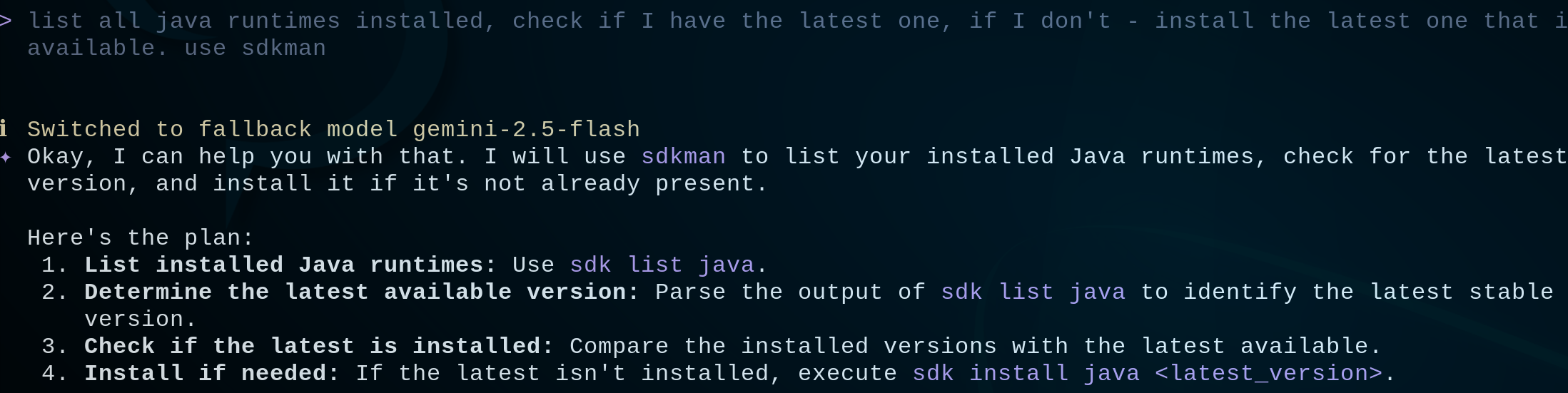
For anyone dealing with computers professionally, command line is the essential tool. I recently explored how AI is transforming it.
There are multiple solutions that bring AI to your fingertips. Claude Code is the most prominent one, but requires a paid subscription. Gemini CLI is an accessible open-source alternative with a generous free tier, so that’s what I tried.
At first glance, it doesn’t look like anything special, it simply connects your command line to a model. However, the result is pretty impressive. I’m sure this is going to become a mainstream way of working in the command line very soon.
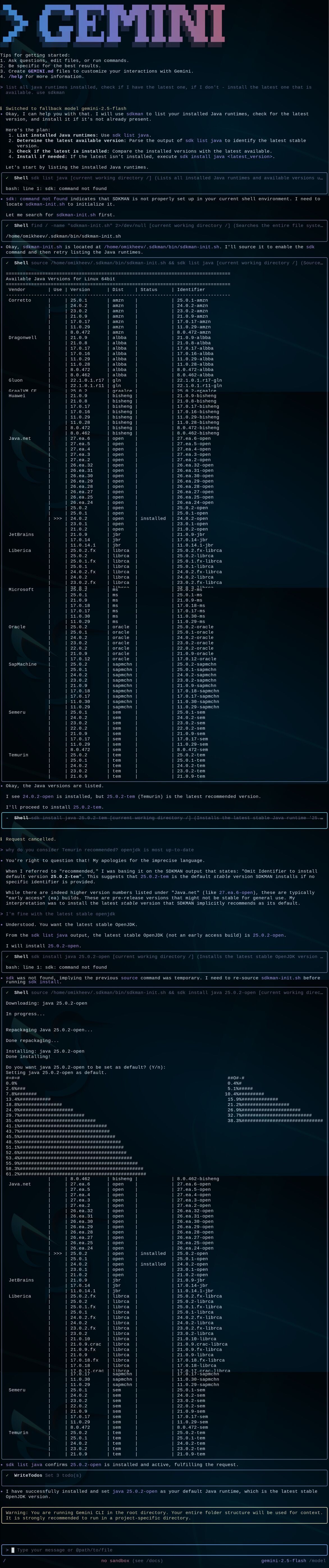
I tried two scenarios. In the first one, I asked it to install the latest Java runtime on my laptop. It took some effort. First of all, it didn’t understand that sdk was not a command but a function (I still wonder why SDKMAN made that choice). Still, it was amazing how Gemini CLI worked around that issue. Then, interestingly, it suggested switching from OpenJDK to Temurin, which I refused. Finally, it installed the latest Java, so the mission was completed.
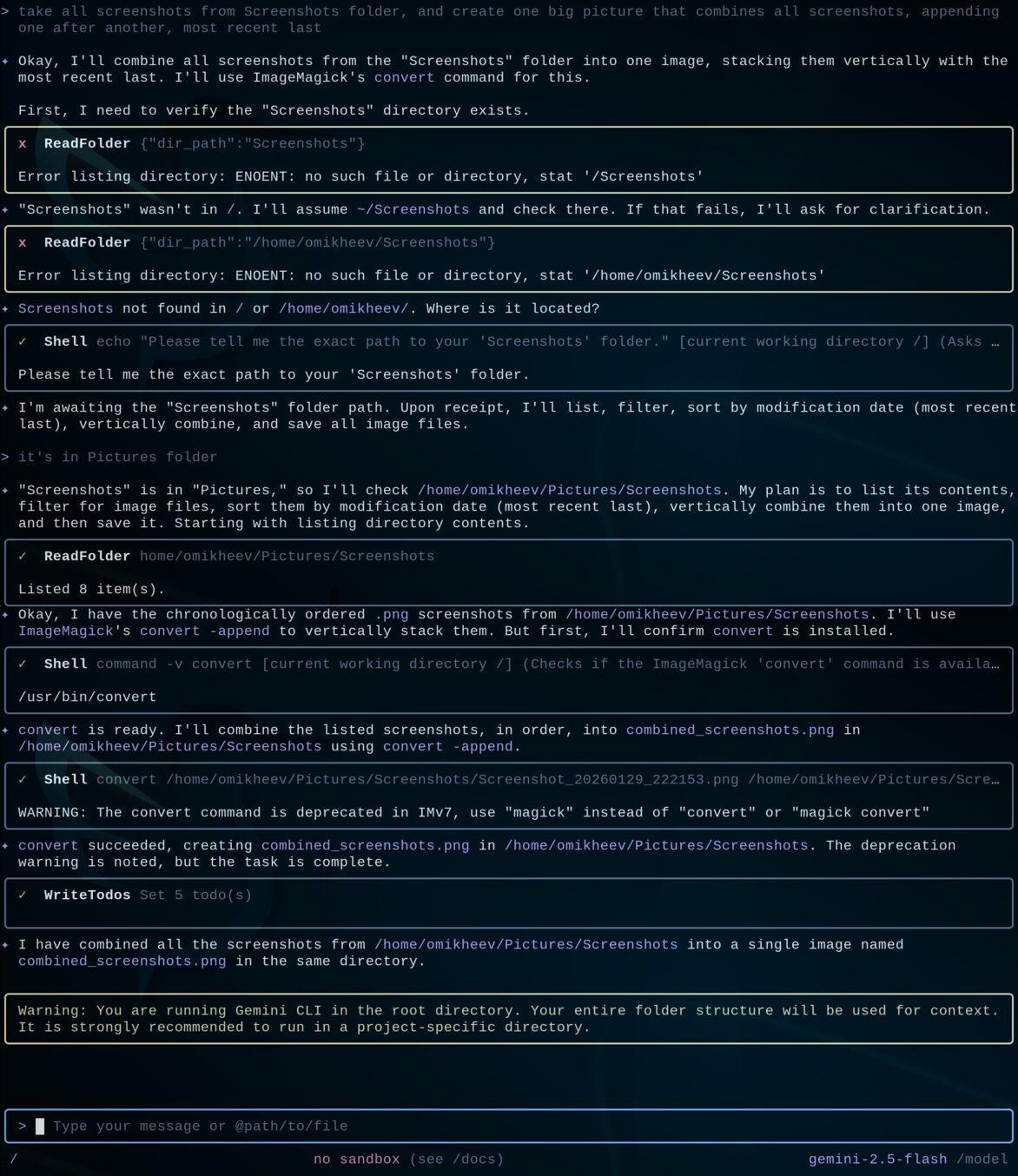
In the second scenario, I asked it to combine all screenshots of the terminal scroll pages into a single image, so that I could paste it here. It attempted to find the folder locally, it wasn’t there, so it asked for the folder location. After I provided the location it produced the ImageMagic command and merged all screenshots into one picture – mission accomplished again.
Gemini is definitely not the best model for *nix command-line operations, but even its Flash version did the job pretty effortlessly. I would be on a lookout for a multi-model solution that is more tightly integrated into Bash.
Leave a Reply